

I have driven through Salik gates in Dubai for years, and the mistake I see most often is not a wrong turn. It is an empty balance. You pass under the gate on Sheikh Zayed Road, nothing beeps, and days later a fine notice lands on your phone. Whether you drive yourself or hire a safe driver in Dubai to get you home safely, keeping your Salik account topped up is essential. A Salik recharge online takes about a minute once you know where to tap, so there is no good reason to let that happen.
The Roads and Transport Authority (RTA) runs the system, and every crossing takes a toll from your prepaid account, between AED 4 and AED 6 depending on the time of day. Below, I cover every channel I have used or double-checked, plus limits, balances, auto top-up and fines. Details were checked in October 2026, so confirm the latest information on salik.ae before you pay.
How Can You Recharge Salik in Dubai?
You can recharge Salik in Dubai through the official Salik website, the RTA Dubai and Smart Salik apps, SMS to 5959, the 800 SALIK phone line, self-service kiosks, and supported bank apps, ATMs and cash deposit machines. The minimum top-up is AED 50, in multiples of 50. Confirm current options on salik.ae before paying.
How to Recharge Salik Online in Dubai
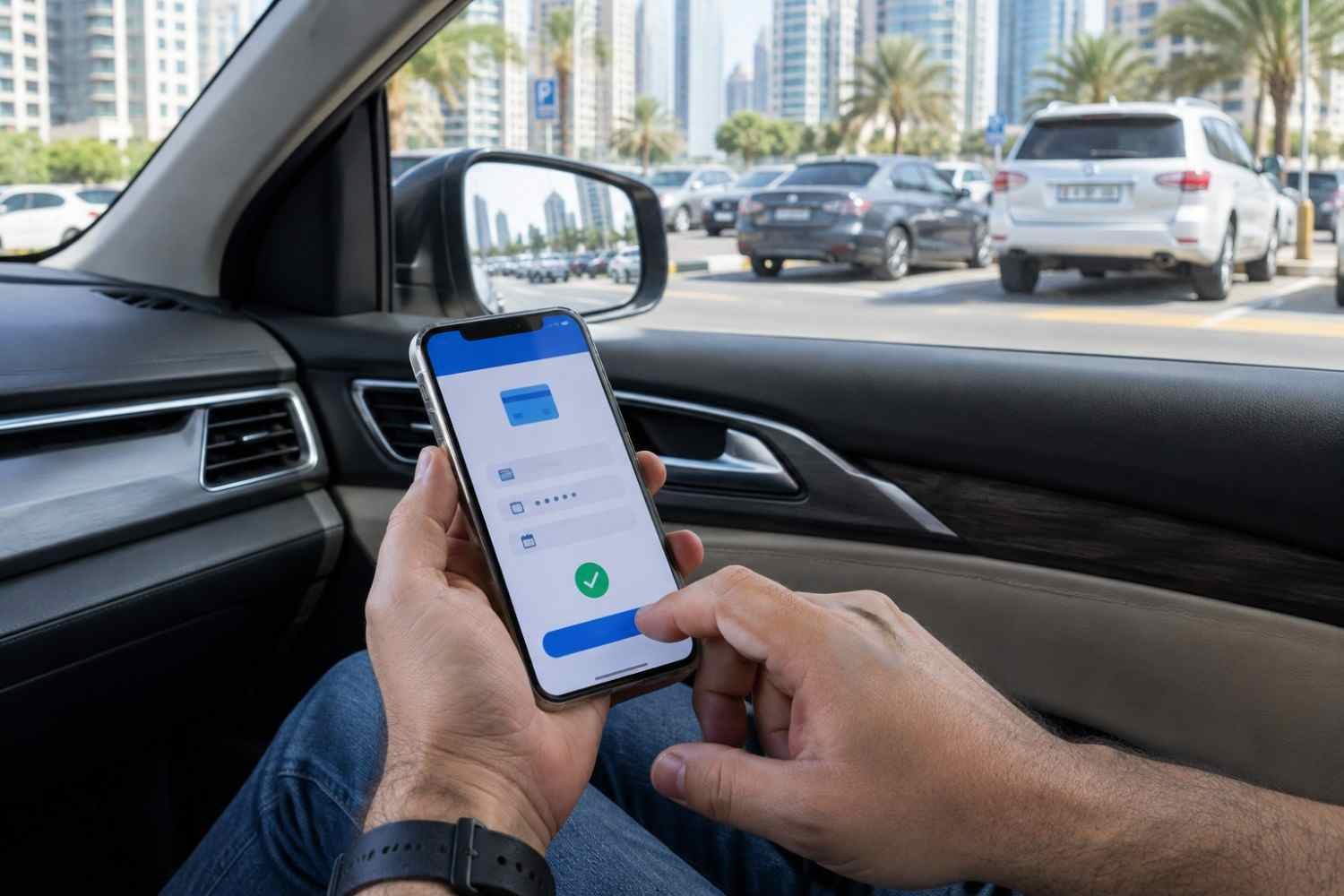
Salik recharge online is the route I use almost every time, because it works from the sofa, the office or a parking lot. You can pay by card or use a prepaid card.
Recharge Salik Through the Official Salik Website
- Open salik.ae and choose Recharge a Salik Account.
- Pick the option that suits you: top up without logging in, or log in first.
- Enter your mobile number, plate emirate, plate category, plate code and plate number.
- Choose the amount and pay.
- Wait for the confirmation page and the SMS.
I once topped up from a mall parking lot in Al Barsha, and the balance showed within minutes. Check the plate details twice. The money goes to whichever account matches what you type, so one wrong letter can send it to a stranger's vehicle.
Salik Online Recharge Using a Credit or Debit Card
For a Salik online recharge with a bank card, type the amount (50, 100, 150 and so on), enter your card details and approve the one-time password from your bank. Keep the payment confirmation until the balance updates, which usually takes seconds or a few minutes.
Salik Recharge Online Using a Recharge Card
Scratch the back of a prepaid card to reveal the 12-digit number and enter it on the website instead of paying by card. This helps when your bank card is blocked for online payments or you prefer to pay cash at the petrol station.
Salik Recharge Through the Smart Salik App
The Smart Salik app is listed among the official channels on salik.ae and accepts a card payment or a recharge card number. Some websites say it was discontinued, so check the App Store or Google Play first. If it is missing for your phone, the RTA Dubai app, DubaiNow, Careem and TAMM do the same job. A Salik online recharge in any of them follows one pattern: sign in, pick the amount, pay.
Steps to Recharge Your Account Using the App
- Download the app and sign in with your Salik account number and PIN, or set up a profile with your plate and mobile number.
- Tap Recharge.
- Enter the 12-digit card number, or type an amount in multiples of AED 50 and pay by card.
- Look for the confirmation message and the updated balance.
How to Recharge Another Salik Account
After signing in, choose the option to top up another account and enter the other vehicle's plate details, or its account number and PIN. If you use a daily chauffeur service in Dubai, make sure you have the correct vehicle and Salik account details before recharging. Double-check everything before paying, since the amount goes to the account that matches.
Other Ways to Recharge Your Salik Account
These channels work with cash, a prepaid card or a basic phone.
Recharge Salik Through SMS
Scratch the card and text 5959 in this format: R12-digit card numberaccount number*PIN. A confirmation SMS follows, and your mobile operator may charge a small fee, around 30 fils. I use this on the road to Hatta, where mobile data is patchy but texts still go through.
Recharge Salik by Phone Call
Call 800 SALIK (72545), choose your language and follow the prompts to enter the 12-digit card number and your account details. This line takes recharge cards only, not card payments, and runs around the clock.
Recharge at Salik Self-Service Kiosks
Kiosks accept cash or card. Log in with your registered details, choose Recharge, insert the cash and wait for the confirmation. Kiosks have been listed in Deira and Al Barsha, and the RTA Dubai app can point you to the nearest one.
Recharge Through Bank Apps, ATMs and CDMs
Many Dubai banks, including Emirates NBD, Dubai Islamic Bank, ADCB, FAB and Mashreq, let you add Salik balance through the app, online banking, ATMs, SMS banking or cash deposit machines. Look under utilities or bill payments. Channels differ by bank, so check yours first.
Buy and Use Salik Recharge Cards at Petrol Stations
Prepaid cards are sold at petrol stations such as ENOC, EPPCO, ADNOC and Emarat, commonly in AED 50, 100 and 200 values. I keep one in the glovebox as a backup. Each card works once, so scratch it only when you are ready.
Salik Recharge Amounts and Payment Limits
At a standard toll of AED 4, an AED 50 balance covers about twelve crossings. With two gates a day, that is roughly a week, which is why I top up in larger amounts.
Minimum and Maximum Recharge Amount
The minimum is AED 50 and the maximum is AED 50,000 per transaction, in multiples of AED 50. So AED 150 or AED 200 works, but AED 175 does not.
Available Payment Methods and Possible Fees
You can pay with a bank card online, a recharge card, cash at kiosks or CDMs, or your bank account through its app. Salik recharge online by card normally shows the final total before you confirm, so read it. Your bank or mobile operator may add its own charge, as with the SMS fee.
How to Check Your Salik Account Balance
Check Your Balance Online or Through the App
Log in on the Salik website, or open the RTA Dubai app or DubaiNow. You can also call 800 SALIK. I check mine every Sunday evening.
Find Your Salik Account Number and PIN
Both arrive by SMS when your tag is activated. If you lost them, the website or app can help through your registered mobile number. Keep them private and never share them through a link.
Check Your Balance Without Logging In
A plate-based balance check is offered on the RTA portal for Dubai private plates. Other emirates' plates may need the account number.
Salik Auto Recharge | How It Works
How to Set Up Automatic Top-Ups
Some banks offer auto top-up, which adds a fixed amount whenever your balance drops below a level you choose. Open your bank app, find the Salik option under utilities, and set the amount and trigger. Not every bank supports it, so confirm with yours.
Benefits of Auto Recharge and What to Check Before Enabling It
Benefit: no surprise fines, and no more manual Salik online recharge to forget. Before you switch it on, check the trigger level, amount and card expiry date. If you sell the car, switch it off the same day.
What Happens If Your Salik Balance Is Too Low?
Salik Insufficient-Balance Fines and Penalties
If you cross a gate without enough balance, you have five working days to top up. Weekends and public holidays do not count. After that, a fine of AED 50 applies for each day you passed a gate with insufficient balance, per vehicle. Some websites quote other figures, so check the current amount on the RTA site.
What to Do After Passing a Toll Gate With Insufficient Balance
Top up straight away, ideally with a Salik online recharge that covers the toll and a little extra. Then check your balance, save the receipt and look for any violation on the official portal.
Tips for a Smooth and Secure Top-Up
Avoid Recharge Scams and Fake Websites
Use only salik.ae, the RTA website and the official apps. Fake sites copy the look of a real Salik online recharge page, and texts with payment links circulate regularly. Never type your PIN or card details after tapping a link in a message. Type the address yourself and check it before you pay.
What to Do if Your Recharge Payment Fails
If a Salik recharge online payment fails, first check whether the money left your account. Wait a few minutes, then look at your balance before trying again, and keep the receipt or a screenshot. If you use a weekly chauffeur service in Dubai, make sure your Salik account remains funded for any trips you make in your own vehicle during the week. If the amount is gone but the balance has not moved, call 800 SALIK or contact your bank if the payment went through it.
Frequently asked questions
Everything you need to know before you arrive.
Here are a few common questions about planning a smooth airport transfer in Dubai.
Open salik.ae, choose Recharge a Salik Account, enter the plate details and amount, then pay by card or enter a 12-digit card number. The RTA Dubai app, DubaiNow, Careem and TAMM work too.
It is salik.ae, run by the RTA. Watch for lookalike domains and check the address before paying.
AED 50 per transaction, in multiples of AED 50. The maximum is AED 50,000.
Yes. Use their plate and mobile number, or their account number and PIN, through the website or an official app.
Often, yes. The option to top up without logging in asks for your plate details and mobile number instead.
Usually instantly or within a few minutes. If the balance has not changed after a reasonable wait, call 800 SALIK with your receipt.
Yes, with a prepaid card. Text Rcard numberaccount number*PIN to 5959. Your mobile operator may charge a small fee.
Use the Salik website, the RTA Dubai app, DubaiNow, or call 800 SALIK.
Ask your bank whether it offers Salik auto top-up, then set the amount and trigger level in its app.
Written by Brilliant Drive
Travel and service team